Café QR

Tablet, printer and cash drawer

POS hardware that works with Café QR

Café QR runs in a web browser, so you don't need a special till. Most venues start on a tablet, phone or laptop they already own. If you want a proper counter setup, these are the tablet, receipt printer and cash drawer we recommend, all available from our UK hardware partner, Pos-Hardware.

No card No contract Help on WhatsApp Cancel any time

or try the live demo →
  • Screens

    Any tablet, phone or laptop with a browser

  • Recommended printer

    Star mC-Print3

  • Hardware partner

    Pos-Hardware, UK

From our UK hardware partner

  • Tablet

    Capture CA-TAB-22213

    12-inch POS tablet with 4G, for the till. A stand is offered with it.

    View at Pos-Hardware →
  • Printer

    Star Micronics mC-Print3

    Receipts and kitchen tickets over your internet connection, with nothing to install.

    View at Pos-Hardware →
  • Cash drawer

    CA-CD410 heavy-duty cash drawer

    410mm drawer that plugs into the printer and opens when a sale takes cash.

    View at Pos-Hardware →
01

The recommended counter setup

A tablet for the till, a Star mC-Print3 for receipts and kitchen tickets, and a cash drawer that plugs into the printer. The printer connects to your router and fetches tickets over the internet, so there is nothing to install, and the till opens the drawer when a sale takes cash.

You buy the hardware directly from Pos-Hardware. Café QR doesn't sell hardware or add anything to the price.

  • Tablet: Capture CA-TAB-22213, a 12-inch POS tablet with 4G (a stand is offered with it)
  • Printer: Star Micronics mC-Print3, for receipts and kitchen tickets
  • Cash drawer: CA-CD410 heavy-duty cash drawer (410mm), plugged into the printer
02

Use what you already have

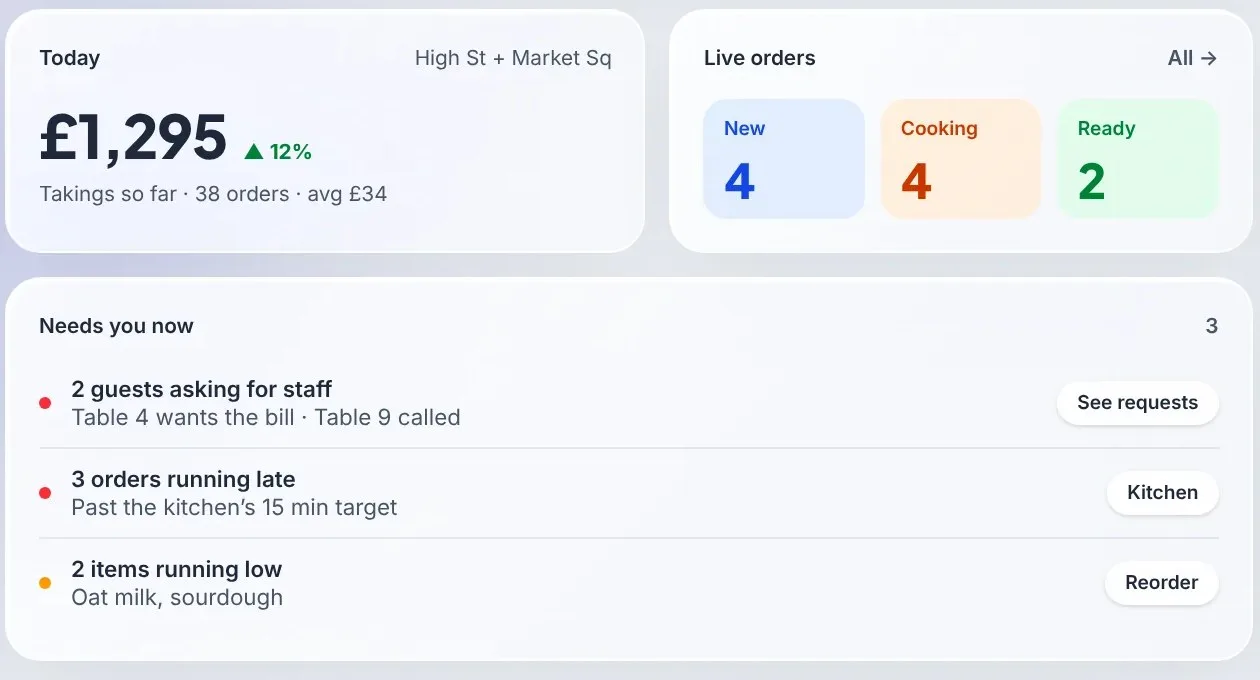
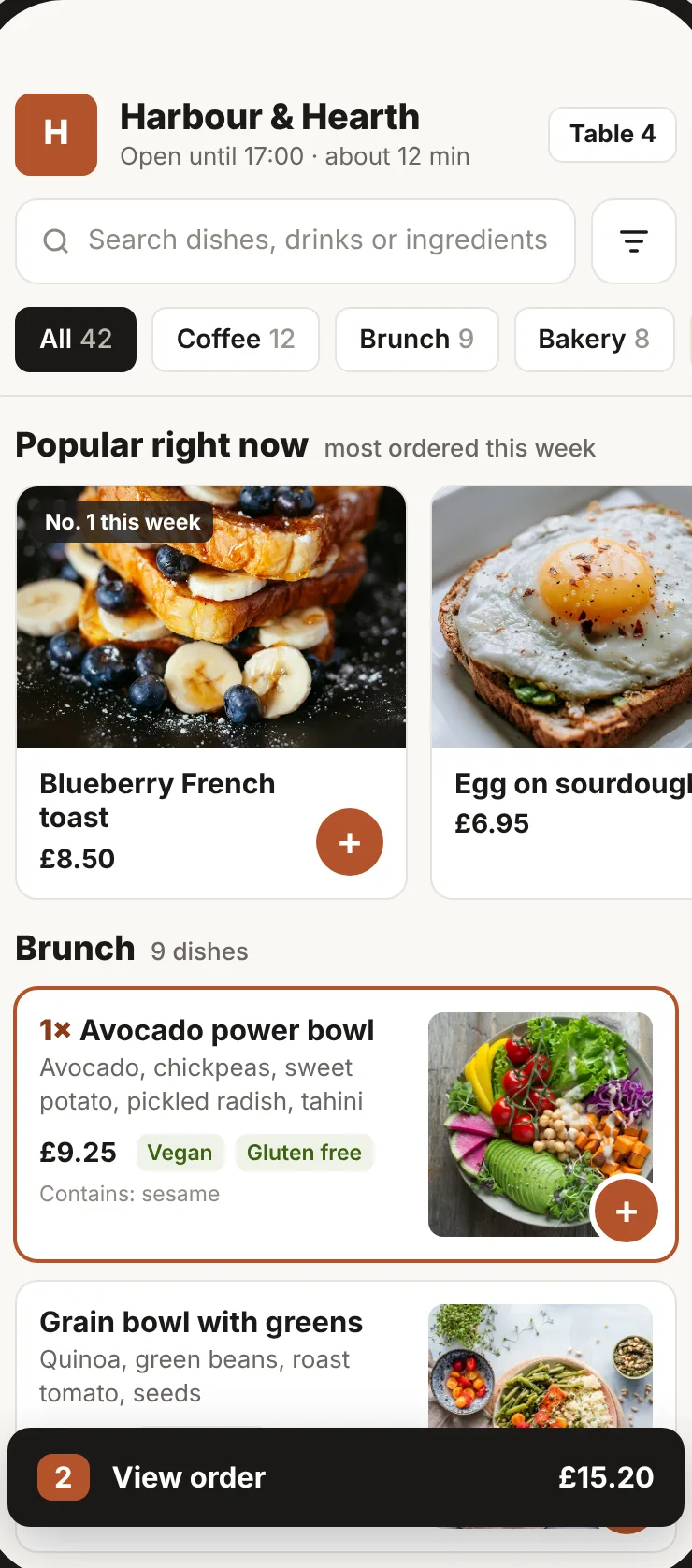
The till, waiter app, kitchen screen and dashboard all run in a modern browser on an iPad, Android tablet, phone or laptop. Many cafés start with a spare tablet and add a printer later.

Other Star printers with CloudPRNT (TSP100IV, TSP650II) and Epson printers with Server Direct Print (TM-m30, TM-T88VI, TM-T88VII) work the same way as the mC-Print3. Most other receipt printers work through our free print bridge.

03

Taking card payments

In the UK, link a Stripe Terminal, Dojo or SumUp Solo reader to the till so card payments are taken and recorded in one step, or keep your existing card machine and record card sales on the till. Guests who order by QR code pay on their own phone, with no hardware at all.

Questions

Straight answers, before you start.

Do I have to buy hardware to use Café QR?

No. Café QR runs in a browser on a tablet, phone or laptop you already own. A printer, cash drawer and card reader are optional.

Does the cash drawer work with the Star mC-Print3?

Yes. Plug the drawer into the printer's drawer socket and switch on the cash drawer option for that printer in Café QR. The till then opens it when a sale takes cash.

Does Café QR sell the hardware?

No. You buy it directly from Pos-Hardware, our UK hardware partner, or use any supported device you already have.

One-month free trial

Run your venue on Café QR.

From £9.99 per venue, per month after the free month, which needs no card. No setup fee, and 0% platform fee. Rather someone showed you round? Book a free 15-minute walkthrough here. It’s an enquiry only: no card, no subscription and no trial started.

An enquiry only. No card or subscription required

We use these details to respond to your enquiry. Read our privacy notice.

Optional analytics and ad cookies. Privacy