
01
How a kiosk order works
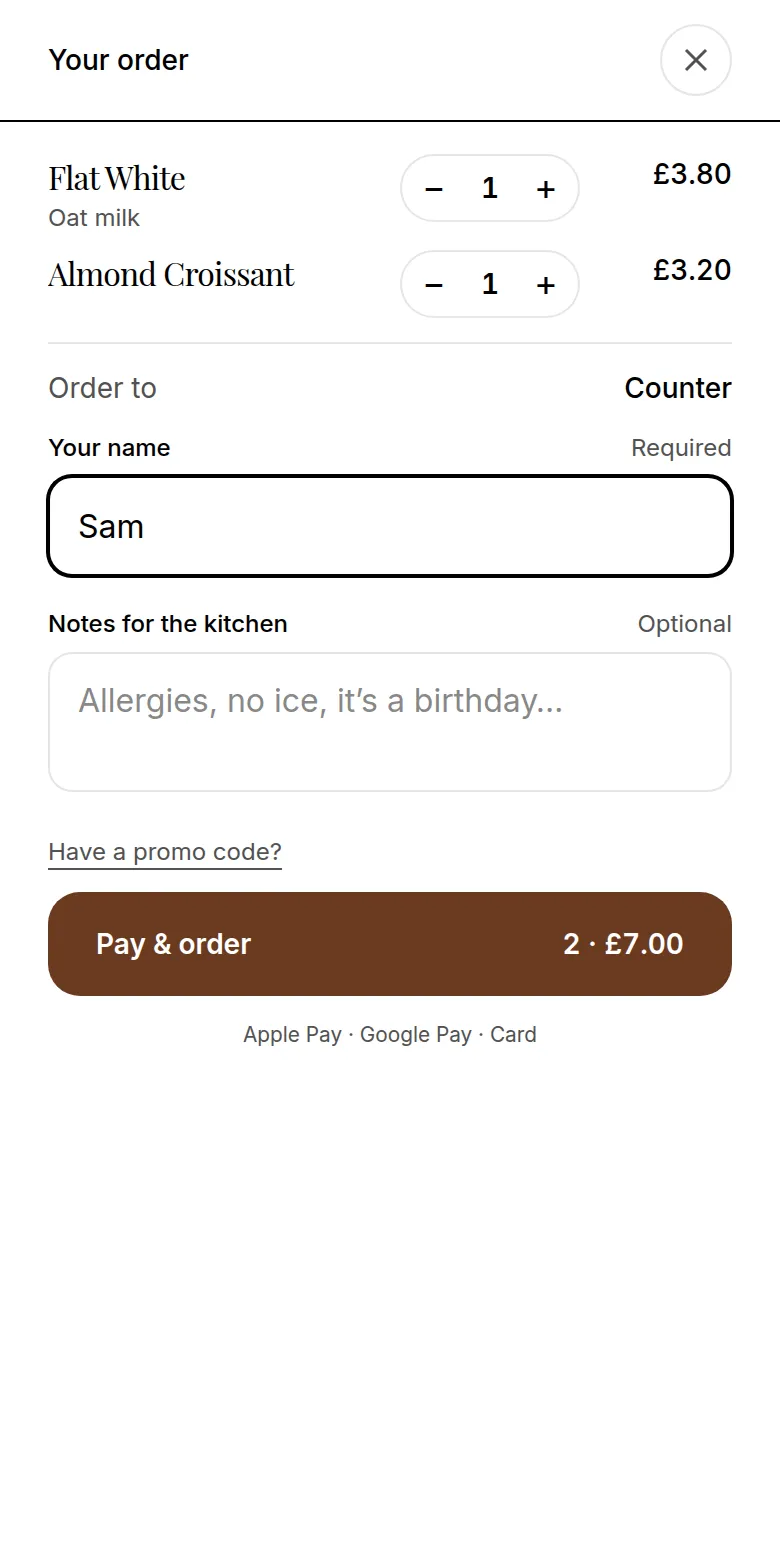
The kiosk is a counter code opened in kiosk mode. It starts on a full-screen Touch to start page, then asks Eat in or take away. The guest browses the same live menu as your QR codes, with sizes, extras and allergen information, adds their name and places the order.
Take-away orders show on the kitchen screen as Collection and use each item's take-away VAT rate where you have set one. Eat-in orders show as counter orders. Either way the guest gets an order number, and the kitchen gets the full order with every option.
- Touch to start, then eat in or take away
- Same menu, prices and sold-out items as your QR codes
- Order number on screen, and an order-ready screen for a TV by the counter
- Cursor, text selection, pinch-zoom and the powered-by footer hidden