
Practical setup
Where to put QR codes in a café
A QR ordering system lives or dies on whether guests notice the code and can scan it without moving anything. This is what works in a working café, and the mistakes that quietly cost you orders.
One code
Per table, not per café
Print at
3cm or larger
Reprint when
Almost never
Serving cafés in the US — $39 per café, per month, billed in USD. Same 14-day trial.
01
Upright beats flat, every time
A code lying flat on the table is the most common placement and the weakest one. Within a minute of service it is under a cup, a plate, a menu or someone's elbow, and a guest has to move their food to order more of it.
An upright tent card or a small block stands above whatever lands on the table, and sits at roughly the angle a phone is already held. Guests scan it without thinking, which is the whole point.
- Tent cards or acrylic blocks, not flat stickers
- Keep it out of the middle where dishes go
- Laminate or use a stand — paper on a café table has a short life
02
One code per table, and why it matters
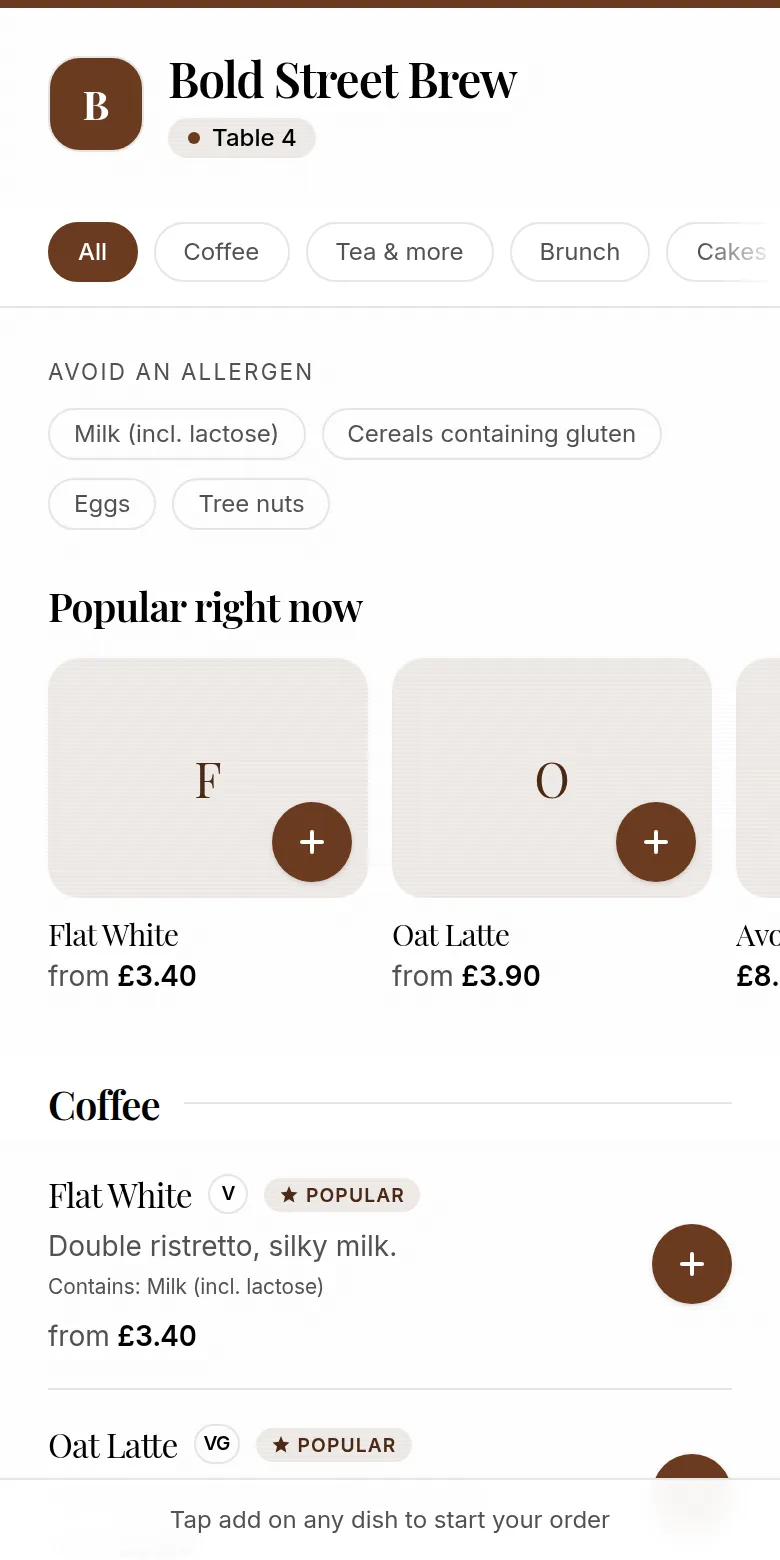
Every Café QR code carries its own table with it, so when an order arrives on the staff screen it already says where to take it. Nobody has to ask, and nobody walks a tray around the room reading names off cups.
Printing one code for the whole café undoes that. Orders arrive with no table, so you are back to calling out, and the thing that made table ordering worth doing is gone. Mint a code per table — it costs nothing and takes a minute.
03
The queue is the second-best place
The obvious use of table ordering is guests already seated. The one cafés underrate is the person standing in your queue at half eight, who can order and pay before they reach the counter and then simply wait for it.
A code by the till or on an A-board at the end of the queue turns waiting time into order time. It is the cheapest capacity you will ever add at peak, because it needs no extra hands.
- One at the counter, at eye level for someone standing
- One on the door or window for the queue outside
- Both point at the same menu as the tables
04
Never put a table code on social media
This is the mistake worth knowing about in advance. A table code is tied to a table, so if it goes on Instagram, a flyer or your Google listing, every order placed from it arrives labelled as that table — including orders from people who are nowhere near your café.
For anywhere off-premises, share your café's own menu link instead. It shows the same live menu without claiming a table, so a guest can read it before they arrive and staff are not sent to table four with a coffee nobody ordered.
05
Size, contrast and light
Print the code at three centimetres square or larger. Smaller technically scans, but not from a normal sitting distance in a room with the lights down, which is the condition that actually matters.
Keep it dark on a light background — inverted codes fail on many phones. Avoid glass tabletops and anything glossy under a spotlight: glare defeats a camera far more often than a bad code does.
- 3cm minimum, larger for window and A-board use
- Dark on light, with clear space around the edge
- Matte finish where you can — gloss reflects
06
You almost never reprint
The code points at your menu, not at a copy of it. Change a price, add a special, hide something that has sold out, and every printed code is already up to date — the guest's phone loads whatever your menu says at that moment.
Reprinting is only for the physical world: a card that has been spilled on, a new table added to the floor, or a rearrangement that changes which table is which.
Explore Café QR
Related pages
14-day free trial
Set up Café QR for your tables.
£29 per café, per month after the trial. Cancel any time before day 14, and 0% platform fee.
Start free trial →