
Ordering and payment
Order and pay at table for coffee shops
Give guests a way to order another coffee or add food without returning to the queue. Café QR handles the order flow while Stripe Connect handles the payment for your café.
Payments
Apple Pay, Google Pay and card
Merchant
Your café
Café QR platform fee
0%
01
One flow for ordering and payment
Guests scan the table QR, add items and pay from the same browser page. The order only reaches the live staff screen after payment succeeds.
That gives staff a clear paid order to prepare and gives the guest a receipt without adding another till-side conversation.
02
The café remains the merchant
Each café connects its own Stripe account through Stripe Connect. Card payments are processed for that connected account, and Stripe pays out according to the café's Stripe settings.
Café QR does not receive, hold or distribute the guest's payment. Stripe's standard processing charges apply, but Café QR adds no platform percentage to the order.
03
Built around a café menu
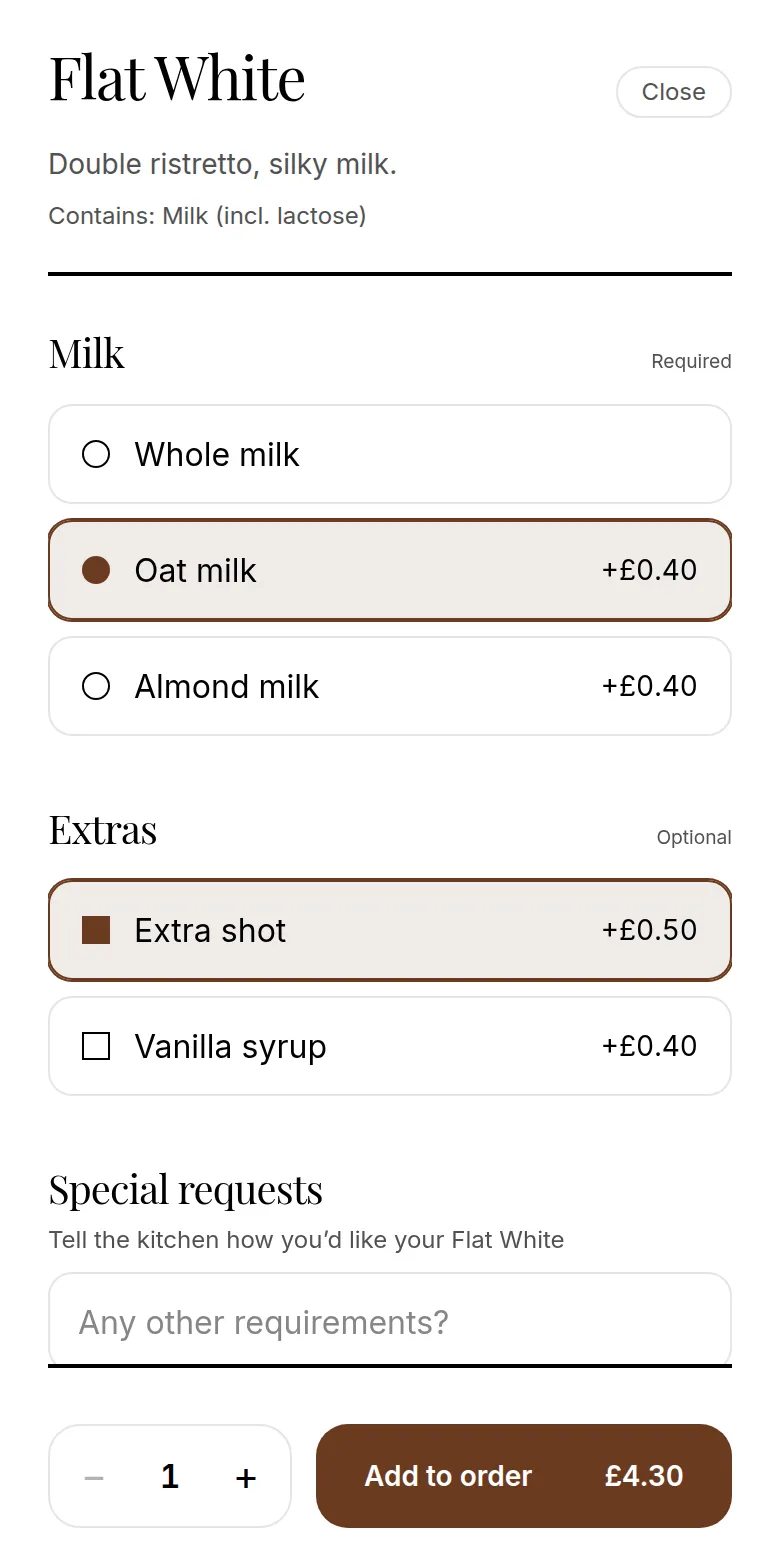
The guest can choose a size, milk option or extra shot before paying. Prices update with those choices, so the submitted order records what the guest selected.
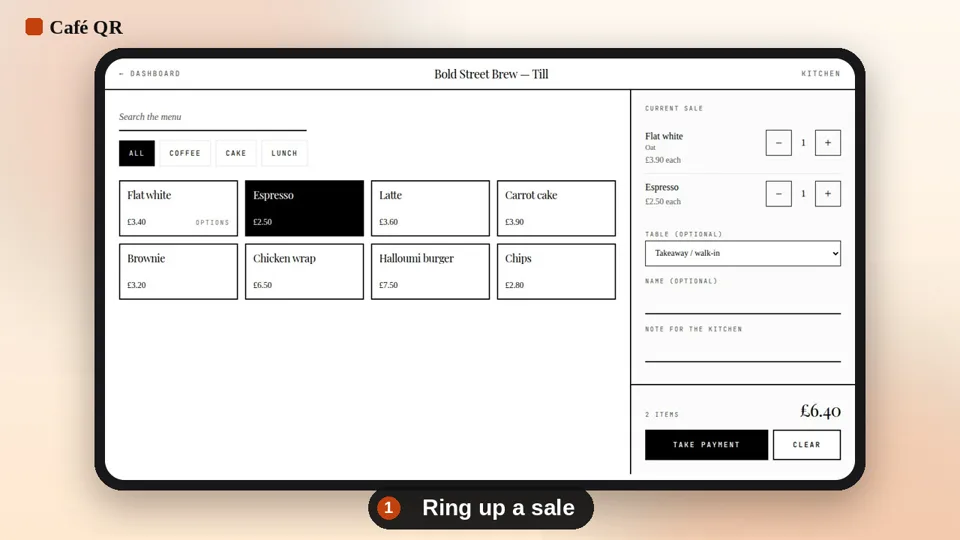
Staff see the table number, items and choices on the barista screen. The menu and order flow work in the browser on phones, tablets and laptops.
- No guest app download
- Table number carried into the order
- Live order status for café staff
Explore Café QR
Related pages
14-day free trial
Set up Café QR for your tables.
£29 per café, per month after the trial. No card required to start and 0% platform fee.
Start free trial →