

01
How a menu board works
Open a screen, then Menu board, shows each branch's boards. Every board has its own address and QR code: type the address into the TV's web browser once, press OK on the remote for full screen, and switch off the TV's sleep timer so it stays on all shift.
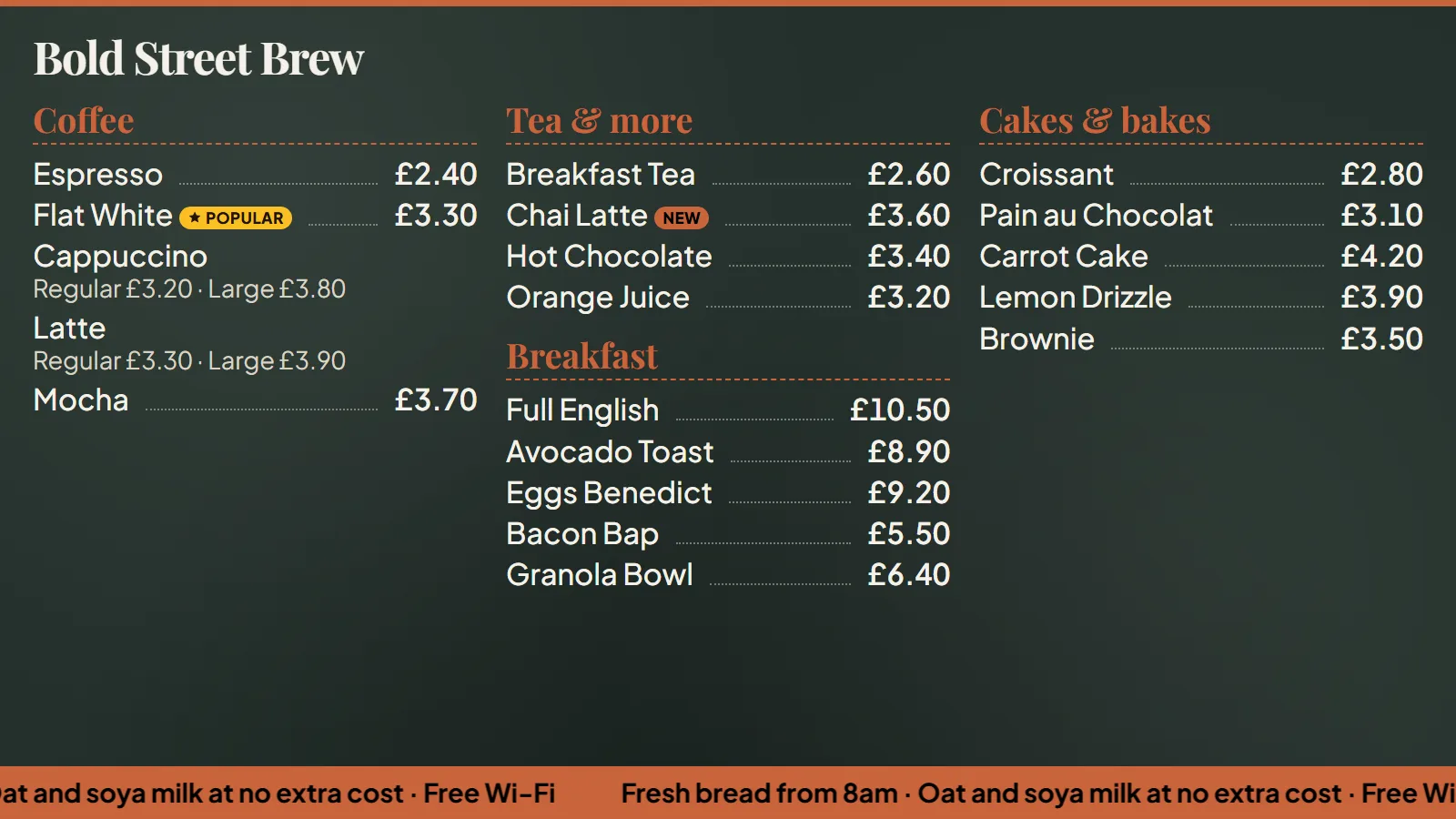
The board follows your menu. Dishes sold out or hidden at the branch are left off, the branch's own prices show, and menus with hours, such as breakfast, appear only while they're served. It checks your menu at least every 30 seconds, and keeps showing the last one if the Wi-Fi drops.
- Any smart TV, or a streaming stick, with a web browser
- Text sized to the screen, readable from across the room
- Three columns on a landscape TV, two on a portrait one
- A long menu turns its pages every 15 seconds